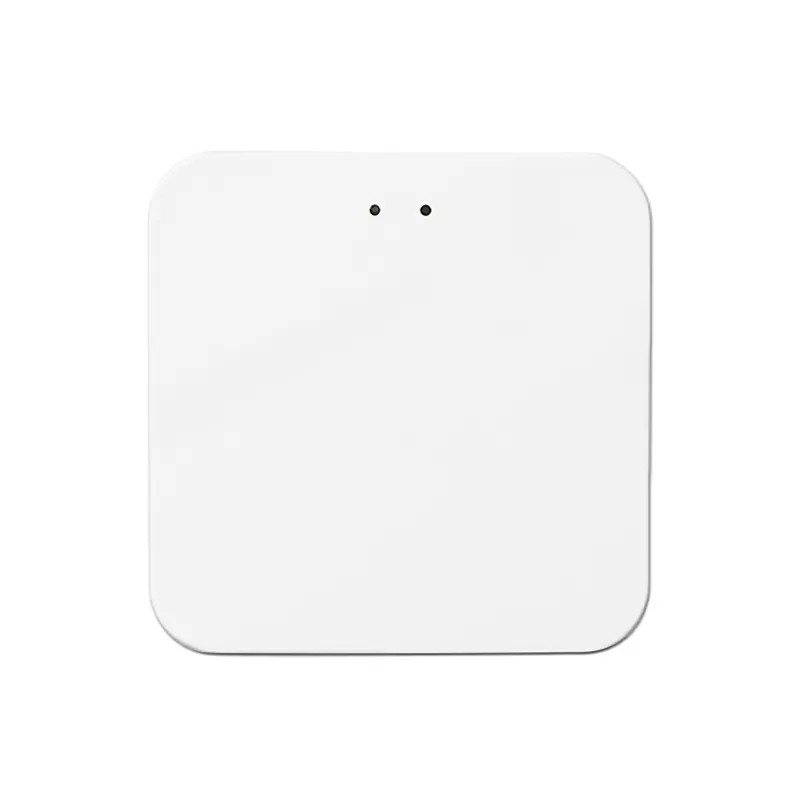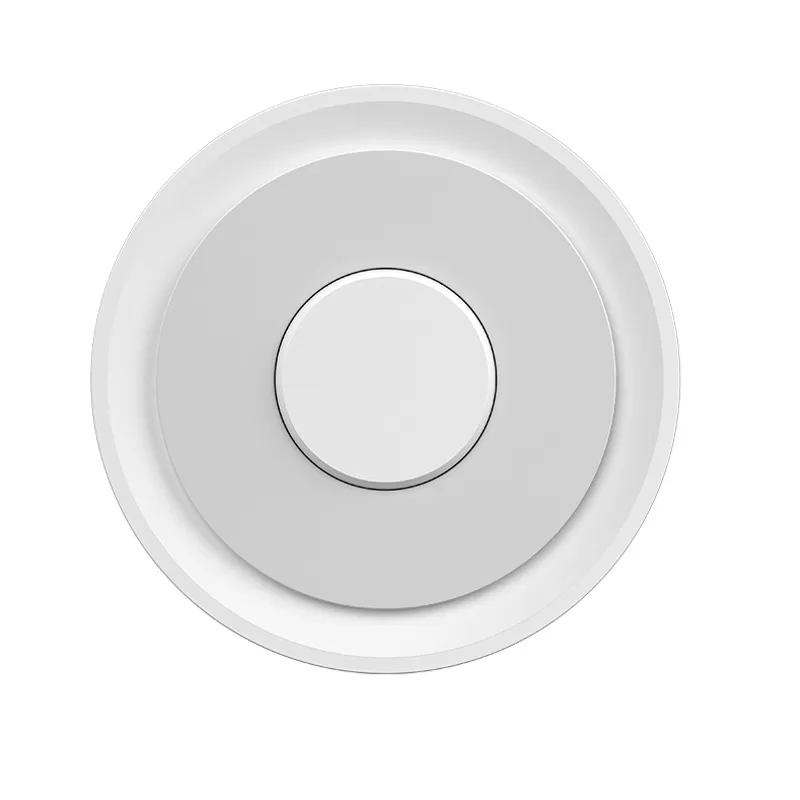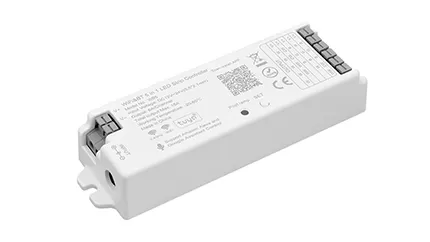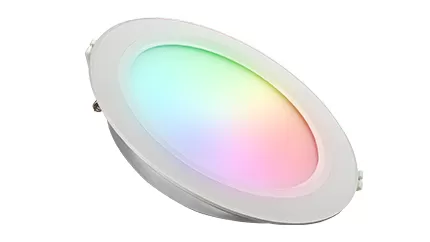
We offer two types of Zigbee gateways: wired and wireless. Designed to connect Zigbee controllers and lamps, they enable seamless APP control over your smart lighting system. Acting as a central hub, these gateways ensure stable communication between devices, facilitating remote management and smart functionality. Reliable and easy to integrate, they are essential for building a connected Zigbee lighting network.


A wired Zigbee gateway requires both an Ethernet cable and a power cable, and its network signal is usually more stable. A wireless Zigbee gateway does not need an Ethernet cable, only a power cable. Wired gateways ensure smoother operation of these functions, while wireless gateways may have slight delays or even lose control if the Wi-Fi signal is poor.
Wired Zigbee gateways usually support more devices than wireless ones. The specific number depends on the device performance and network environment.
Optimize the signal in the following ways:
Wired gateway: If the installation location is fixed, add a "Zigbee repeater" (e.g., a smart switch or socket with repeater function) between the gateway and sub-devices. The repeater must be within the signal coverage of both the gateway and sub-devices to enable signal forwarding.
Wireless gateway: Move the gateway closer to the sub-devices directly (e.g., from the living room to the bedroom doorway). Ensure the straight-line distance between the gateway and sub-devices does not exceed 30 meters (without wall obstruction); if there is wall obstruction, it is recommended to keep the distance within 10-15 meters.
Avoid placing the gateway near devices with strong electromagnetic interference (e.g., routers, microwaves) — a spacing of over 1 meter is recommended.
They support third-party devices that comply with the Zigbee 3.0 standard protocol, but note: Some brand gateways may have limited support for "non-own-brand devices" (e.g., only supporting basic functions like on/off and dimming, not special scene modes).
It is recommended to check the "compatible device list" in the gateway manual before pairing, or try adding the device via the APP first to confirm if its functions work properly.

Setting up our Zigbee gateway is a breeze. Just connect it to your router (Wi - Fi or Ethernet), power it on, and use the dedicated app for quick device pairing. The app features an intuitive interface—easily add/remove devices, set up scenes, or adjust device settings. No technical expertise needed, making it accessible to all users.
E-mail:
Phone:
Add:
E-mail:
Phone:
Add:
 EN
EN